

The short answer
The right conference phone depends on the room, not the brand: a small room suits an all-in-one device, while a longer table or boardroom needs microphones and speakers spread out to cover everyone. Decide first whether the room makes phone calls, video meetings or both, then fix the room’s acoustics before blaming the device.
On this page
Most businesses buy a conference phone the same way: someone complains that remote participants cannot hear the meeting, and a device gets ordered for the middle of the table. Sometimes it works. Often the people at the far end still sound like they are calling from a cave, and the problem was never the device. It was the room.
This post works through choosing a conference phone the other way round: start with the room, the people in it and the calls it makes, then pick the category of device that fits. It deliberately does not recommend models. The categories and the questions are what decide it.
What is a conference phone, and when does a meeting room need one?
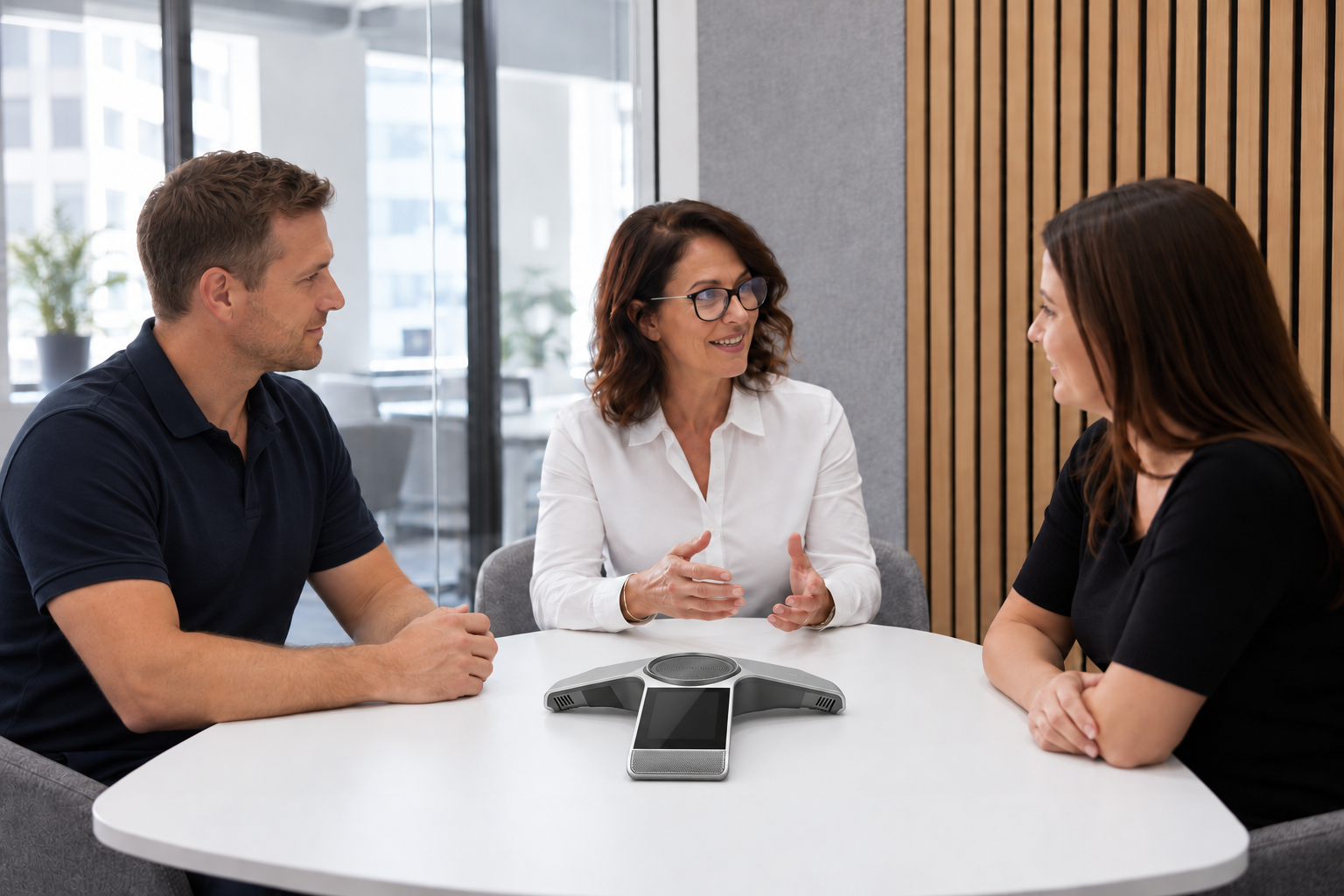
A conference phone is a speakerphone built for a group: several microphones that pick up voices from around a table, and a speaker loud enough for everyone to hear the remote side. A room needs one when more than two or three people regularly join calls from it.
Below that, a laptop or a personal speakerphone is usually enough. Above it, the difference shows up fast. A desk phone on speaker, or one laptop at the end of the table, picks up whoever is closest and loses everyone else.
The device categories, from smallest room to largest
Conference audio comes in a handful of categories. The job is matching one to the room, not finding the “best” one.
| Category | What it is | Usually suits |
|---|---|---|
| Personal speakerphone | A small USB or Bluetooth puck that connects to a laptop or mobile | Focus rooms and one or two people |
| Tabletop conference phone | A dedicated speakerphone that registers on the phone system like a handset | Small to medium rooms making phone calls |
| Tabletop phone with extension microphones | The same, with extra microphones spread along the table | Longer tables and medium rooms |
| Video bar | A soundbar with a built-in camera, mounted under or over a screen | Small to medium rooms making video meetings |
| Distributed microphone and speaker kit | Separate ceiling or table microphones and speakers, often with a room system | Large rooms and boardrooms |
Microsoft’s own room guidance for Teams draws the same line: all-in-one devices suit smaller spaces where a limited number of people sit relatively close to the device, while in larger spaces the microphones and speakers are separated to cover everyone in the room. That principle holds whatever platform you use.
How do you choose a conference phone for the size of the room?
Choose by the distance between the device and the furthest regular seat. If everyone sits within easy reach of the middle of the table, one device works. If they do not, you need microphones closer to the people at the far end.
A practical way to size it:
If the answer to step 4 is “the people at the far end”, adding extension microphones or moving to a distributed kit fixes more than a louder device would.
Phone calls, video meetings or both?
Decide this before buying anything: it fixes the device category before you look at any product.
How calls, video and messaging fit together on one platform is covered in the unified communications explainer. For a meeting room, the practical question is narrower: which of the two kinds of call does this room actually make most often?
Does the room itself matter more than the device?
Often, yes. A good device in an echoing room sounds worse than an average device in a quiet one, because every microphone picks up the echo along with the voice.
The usual culprits in an office meeting room are hard surfaces: glass walls, a bare concrete or timber floor, a large window, and a table with nothing on it. Microsoft’s guidance for rooms of this kind recommends that at least two walls be acoustically treated and that the floor be carpeted or otherwise treated to prevent echo and ambient noise.
Cheap fixes worth trying before buying a bigger device:
Should a meeting room have its own phone extension?
Yes, if the room makes or receives phone calls. A conference phone that registers on your business phone system as its own extension behaves like any other phone in the business.
That gives you three things a laptop speakerphone does not:
A conference phone connected this way usually needs a network port, and often power over the network cable. Check the room has a live data point before install day. The site questions to answer first are in the phone system cabling guide.
Headsets, handsets and the rest of the room
A conference phone solves the group problem. It does not replace the right device for each person at their desk.
Staff who spend most of the day on calls usually do better with a headset than with any speakerphone, and the trade-offs are in the headset guide. Everyone else needs a handset that suits how they work, which is covered in the guide to choosing business phone handsets. Plan the meeting room as part of that same picture, not as a separate purchase made after a bad meeting.
Choosing a conference phone for your meeting rooms
Work through it in order. Count the regular seats, measure the table, decide whether the room makes phone calls, video meetings or both, and look honestly at how much the room echoes. Then choose the category that fits, give the room its own extension if it makes calls, and fix the acoustics before blaming the device.
NexGen has been supplying business phone systems and handsets to Australian businesses for 17 years, with 7,500+ businesses served, Australian-based support and standard onboarding of 7 business days. To see the handset and conference options that suit your rooms, start with business phone handsets.
See the handset and conference options that suit your rooms
Pick the right phone, headset or conference device for every desk and every meeting room.