

On this page
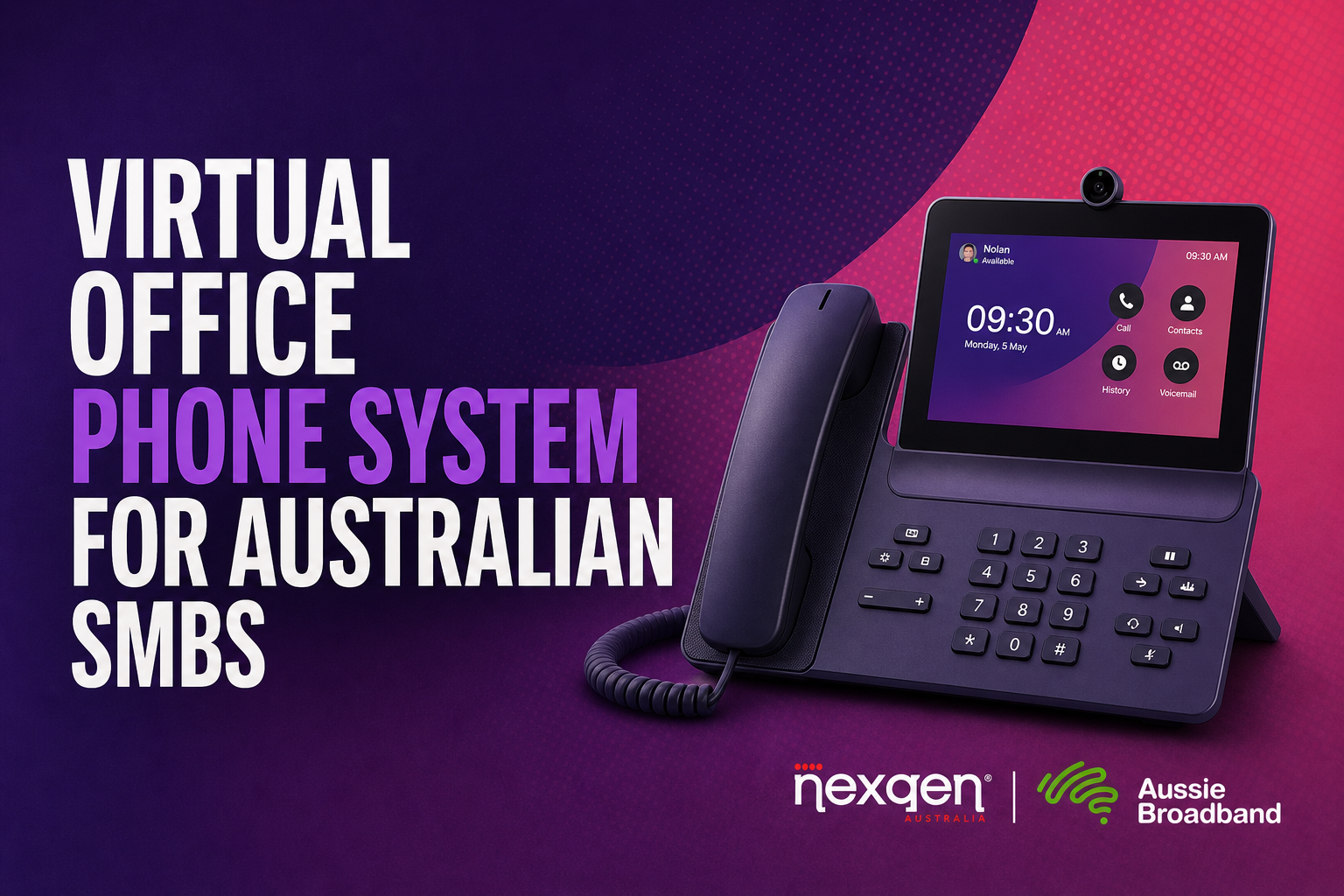
A virtual office phone system gives your business a professional phone number, call handling and team extensions without requiring a physical office or on-site phone equipment. Staff can answer calls from approved locations using compatible desk phones, computers or business apps, while customers continue calling one central business number.
For an Australian small business with three to 20 handsets, this means your phone system is hosted by the provider rather than installed in a server cabinet at your premises. The service connects over the internet and can support features such as:
This is also called a hosted phone system, cloud phone system, virtual PBX or hosted PBX. If you need a broader explanation of the technology, see what a cloud phone system is and how it works.
Can I get a business phone number without an office?
Yes, you can obtain a business number without an office by using a provider that supplies and hosts an Australian business number online. The number can then be connected to your virtual phone system, rather than being tied to a phone socket or PBX installed at a leased premises.
Your number may be:
The right option depends on how customers recognise your business. A local geographic number may suit a business serving one city or region, while a 1300 number can present a national contact point. A mobile number may be familiar to customers but does not, by itself, provide the call management features of a full phone system.
ACMA’s guidance on Australian phone numbers, published in 2026, confirms that businesses can choose from different number types and that the telco sets the call charges associated with the service.
What is the difference between a virtual office phone number and a mobile number?
A virtual office phone number is a business identity managed inside a phone system; a mobile number is simply a telephone number connected to a mobile service. A virtual number can ring multiple extensions, follow business-hours rules and route calls according to your team structure.
| Requirement | Virtual office phone number | Individual mobile number |
|---|---|---|
| Shared by several staff | Yes, through queues, groups or transfers | Usually no |
| Auto-attendant menu | Available | Usually limited or unavailable |
| Business-hours routing | Available | Basic forwarding may be available |
| Internal extensions | Available | Not normally |
| Voicemail-to-email | Common feature | Depends on mobile service |
| Team call visibility | Available in the phone platform | Limited |
| Works without a physical office | Yes | Yes |
| Suitable as a complete business phone system | Usually | Not on its own |
If your requirement is specifically to use a business number on a personal mobile, keep that topic separate from this guide and read how to use a business number on your personal phone. That article covers the mobile-use scenario without turning this no-premises guide into a mobile forwarding guide.
How does a hosted phone system work with no premises?
A hosted phone system no premises setup stores the phone-system functions in the provider’s cloud platform, so your business does not need to buy or maintain a local PBX. Your team members connect through supported handsets, computers or applications wherever they are authorised to work.
A typical call path looks like this:
The important distinction is that “no premises” does not mean “no requirements”. Each user still needs a suitable internet connection or mobile data connection, a compatible device and a secure login. Desk phones also need power and a network connection at the location where they are installed.
For businesses with remote staff, this approach aligns with Australian Government advice that the right digital tools help staff work from home or remotely and keep teams connected. See business.gov.au guidance on digital tools for business, published in 2025.
What should I check before choosing a virtual phone system in Australia?
Check the number type, user capacity, device options, call-routing controls, support model and porting process before comparing monthly prices. A suitable system should match the way your business actually receives calls, not just provide a low-cost number.
Use this checklist when requesting a quote:
| Check | Questions to ask the provider |
|---|---|
| Number | Can I get a new local, mobile, 13, 1300 or 1800 number? |
| Existing number | Can I bring my current number across? |
| Users | Does the plan suit three to 20 handsets or users? |
| Devices | Can I use desk phones, computers and approved mobile apps? |
| Call flow | Can calls ring a group, queue or nominated extension? |
| Opening hours | Can I set different daytime, evening, weekend and holiday rules? |
| Voicemail | Can messages be sent to email or accessed by individual users? |
| Administration | Can an office manager make routine changes without specialist IT skills? |
| Support | Who handles faults, configuration and number-porting issues? |
| Internet dependency | What happens if the nominated internet connection fails? |
| Security | How are user logins, recordings and customer details protected? |
| Contract | Are handset costs, setup fees, porting fees and call charges separate? |
Do not assume every provider uses “virtual phone system” to mean the same thing. Some services are primarily call forwarding, while others provide a complete hosted PBX with extensions, menus, queues and administration controls.
Can I keep my existing business number without an office?
Usually, yes, provided the number is active and the new provider accepts the port request. Australian number porting can apply to local, mobile, freephone and local-rate numbers, although the process and timing vary by number type and complexity.
ACMA’s number-porting guidance, updated in 2025, says local number ports generally take longer than mobile ports and that a disconnected number cannot normally be ported. Do not cancel your existing service before the transfer is complete, because the number needs to remain active during the porting process.
Before submitting a port request, have the account details ready. These may include the account-holder name, service address, current provider, account number and the exact numbers to be transferred. Incorrect information is a common cause of delays.
For the Australian process and expected steps, read how VoIP number porting works for Australian businesses.
Is a virtual office phone system reliable without a fixed office?
It can be reliable, but performance depends on the internet connection, local network, power supply, device configuration and the provider’s service design. Removing the office does not remove the need for a practical continuity plan.
Ask whether the provider can configure alternatives such as:
A cloud system also creates a dependency on connectivity. nbn notes that equipment connected to its network, including modems and Wi-Fi routers, needs separate battery backup to operate during a power outage. Read the nbn guidance on phone services during a power blackout before relying on internet-based calling as your only communication path.
Emergency calling needs particular care. ACMA explains that Triple Zero can be called from certain VoIP services, but callers using mobile or VoIP services may need to provide their current town and state because the service may not know where they physically are. Check the provider’s emergency-call arrangements rather than assuming every virtual setup behaves like a fixed landline; see ACMA’s emergency-calls information, published in 2026.
Can my staff use the same virtual office phone number from different locations?
Yes, a hosted system can give authorised users access to the same business call flow from different locations, provided their devices and connections are supported. That makes it suitable for teams working from home, in serviced offices, between sites or from customer locations.
A practical setup might include one main number, a reception or administration queue, individual extensions and an after-hours destination. Staff can answer through desk phones where needed, while other users connect through approved desktop or mobile applications.
A split of home days and office days is the same pattern described in what a business phone system for hybrid work is. If nobody attends a shared workplace at all, number ownership becomes the bigger question, covered in why a real number beats a personal mobile for remote teams.
Set clear rules before deployment:
Remote access also creates security responsibilities. The Australian Government recommends secure devices, updated software, clear policies and staff training for remote work; apply those controls to your phone-system logins and any customer information handled during calls.
What privacy issues should I consider with a hosted phone system?
Consider where customer information is stored, who can access call records, whether calls are recorded and what happens when a staff member leaves. A hosted provider should be able to explain its security controls, retention settings and access permissions in plain language.
The Australian Privacy Principles may apply depending on your business and the information you handle. The OAIC Australian Privacy Principles, current as an official reference in 2026, cover how organisations handle personal information, including collection, use, disclosure and security.
Before enabling call recording, ask:
Do not enable every feature by default. For a small business, a controlled setup with named users, strong passwords, limited administrator access and a documented retention rule is easier to manage than an unrestricted recording archive.
How much does a virtual office phone system cost?
The price depends on the number of users, handsets, call inclusions, number type, setup work, integrations and support requirements. A quote is more useful than a headline monthly price because two systems with the same number of handsets may include very different features.
| Cost area | What can affect the price |
|---|---|
| Users or extensions | Number of staff, concurrent calls and permissions |
| Phone numbers | New number type, additional numbers or porting work |
| Devices | Desk-phone purchase, rental, replacement or setup |
| Calling | Included calls, mobile calls, international calls and usage rates |
| Features | Menus, queues, recording, reporting and integrations |
| Setup | Configuration, onboarding, number porting and training |
| Support | Self-service, business-hours support or managed service |
| Connectivity | Existing internet suitability, upgrades or backup links |
Ask for the total recurring cost and the likely one-off costs separately. Also confirm whether the quoted price is per user, per device, per number, per concurrent call or a combination of these.
For indicative Australian figures before you request a quote, see how much a business phone system costs in Australia.
When is a virtual office phone system the right choice?
It is usually a strong fit when your business needs a professional number and coordinated call handling but does not operate from one permanent office. It is less suitable if your location has poor connectivity, safety-critical equipment depends on the phone service or your team needs features the provider cannot support.
A virtual office phone system may suit you if:
For a broader comparison of options, see NexGen’s small business phone system guide.
Start with a business phone system quote and bring the numbers you already hold. NexGen can assess the number type, handset count, locations, call flow and porting requirements before recommending a practical virtual office phone system for your business.
Frequently asked questions about virtual office phone systems
Can I run a virtual office phone system from home?
Yes, your business can operate the phone system from home without leasing office space, provided users have suitable connectivity, supported devices and secure access. The phone number and call-routing platform are hosted by the provider rather than installed at your home.
Can I use a local Australian number without a physical office?
Often, yes, but number availability and provider requirements can vary by number type and location. Ask the provider whether the geographic number you want can be issued or ported for your business arrangement.
Do I need desk phones for a hosted phone system?
No, desk phones are optional for many hosted systems, although some teams prefer them for reception or regular call handling. Depending on the service, users may connect through compatible computers, headsets or approved business applications.
Can I bring my existing business number to NexGen?
In many cases, an active Australian number can be ported, subject to the number type, account details and porting checks. Keep the existing service active until the transfer is complete and provide the exact account information requested.
Talk to Nexgen about your phone system
Get a like-for-like comparison against a managed cloud phone service.