

> Overview
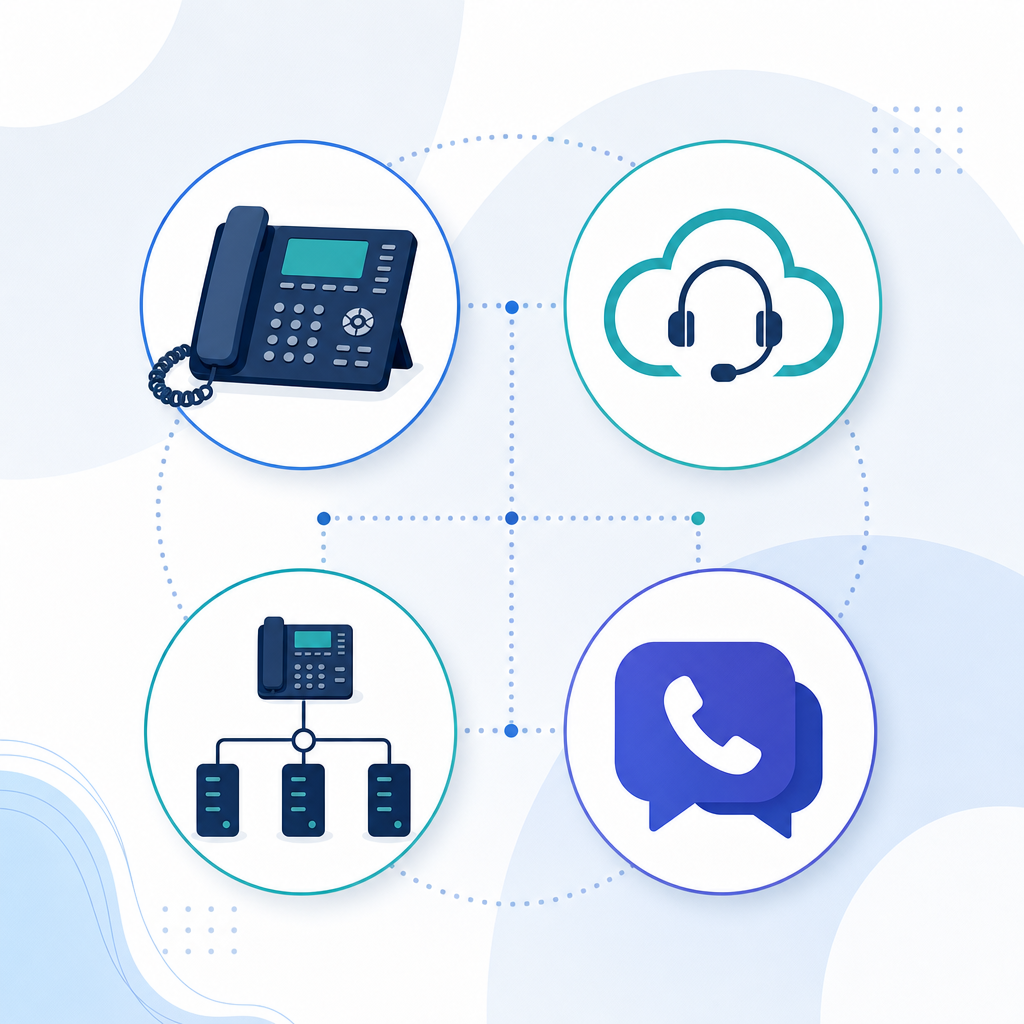
> Business phone systems in 2026 mostly fall into four categories: traditional lines, cloud PBX, SIP trunking, and Teams/Webex-based calling. The right choice depends on your team size, existing hardware, and whether you need features like multi-site call routing. This guide breaks down each option plainly.
Table of contents
- What is a business phone system?
- The main types of business phone systems compared
- How do you choose the right phone system for your business?
- What to look for in a phone system provider
- Setting up a new phone system — what’s involved
- FAQ
Searching for “business phone systems” turns up a genuinely confusing mix of results, cloud PBX, VoIP, SIP trunking, hosted PBX, Teams Calling, traditional landlines, each pitched as though it’s the obvious answer. For a small business owner who just wants staff to be able to make and take calls reliably, sorting through the jargon before you’ve even started comparing providers is exhausting.
This guide lays out the main types of phone systems for businesses in plain terms, what each one actually involves, who it suits, and where the costs and trade-offs sit. Whether you’re replacing an ageing landline ahead of the NBN copper switch-off, outgrowing a basic setup, or just tired of a provider that never answers, by the end you’ll have a clear framework for deciding what fits your business, not just a list of features.
—
Business phone plans
Not sure which phone system suits your business?
Get a straightforward recommendation based on your team size and setup, no jargon, no pressure.
—
What is a business phone system?
At its core, a business phone system is however your company handles incoming and outgoing calls, from a single receptionist line to a multi-site setup routing calls between locations. What’s changed over the last decade is how those calls are delivered. Traditional systems ran on physical copper lines and on-site PBX hardware. Most modern systems now deliver calls over the internet instead, opening up far more flexibility in how staff answer calls and how the system scales.
The practical result is that “business phone system” today usually means choosing between a handful of internet-based delivery methods, each with a different balance of cost, flexibility, and complexity.
The main types of business phone systems compared
Traditional phone lines / on-site PBX — calls run over copper lines to hardware installed in your office. Familiar and simple, but increasingly limited as Australia’s copper network is phased out, and generally the most expensive option to maintain long-term.
Cloud PBX (hosted VoIP) — your phone system is hosted off-site and delivered over the internet, priced per user per month. This is the most common modern option for small businesses, since it bundles call routing, voicemail, and auto-attendant features without on-site hardware to maintain.
SIP trunking — keeps your existing PBX hardware but changes how calls are delivered to it, over the internet rather than copper. A good middle ground if your current system works fine and you just need to move off an ageing line.
Teams Calling / Webex Calling — adds phone calling directly into Microsoft Teams or Cisco Webex, so staff make and receive calls from an app they may already use daily for chat and meetings. Suits businesses already embedded in one of those platforms.
| Traditional / on-site PBX | Cloud PBX | SIP trunking | Teams / Webex Calling | |
|---|---|---|---|---|
| Existing hardware | Requires on-site equipment | Usually software-based, minimal hardware | Keeps your current PBX | Runs through Teams/Webex app |
| Pricing model | Line rental + hardware + call charges | Per user, per month | Per trunk, ongoing | Per user, tied to platform licensing |
| Setup disruption | High if new install | Moderate | Low if PBX already supports SIP | Moderate, depends on licensing |
| Best suited to | Businesses not ready to change anything | Most SMBs wanting an all-in-one modern system | Businesses happy with current PBX, needing off copper | Businesses already using Teams or Webex daily |
| Multi-site routing | Limited | Strong | Depends on PBX capability | Capable with right configuration |
| Long-term cost trend | Rising, ageing hardware | Stable, no forced hardware refresh | Lower call costs, hardware ages independently | Ties to existing software subscription |
Read more: SIP Trunking Australia: Keep Your Hardware, Cut Costs →
How do you choose the right phone system for your business?
Start with your current hardware. If your PBX is relatively modern and staff like it, SIP trunking might solve your copper problem without a bigger switch. If it’s ageing or limiting you, a full cloud PBX move is usually worth the change.
Consider your team size and locations. A single-office team with straightforward needs has different requirements to a multi-site business needing overflow call routing between locations.
Look at what platforms you already use daily. If your business runs on Microsoft 365 or Cisco Webex, adding calling to that platform can reduce the number of separate tools your team manages.
Be honest about your internet reliability. Every internet-delivered option depends on a stable connection, so check whether failover to mobile is available if it drops.
Factor in your growth plans. A system that’s fine for five staff today might need to comfortably handle fifteen next year, without a full system replacement.
What to look for in a phone system provider
1. Local, contactable support. When something goes wrong, a locally based team that picks up the phone matters more than a long feature list.
2. Transparent, itemised pricing. Ask what’s included in the base plan versus billed as an add-on, setup fees, porting, extra features.
3. A managed number porting process. Your existing business number should transfer with no gap in service.
4. Scalability without disruption. Confirm how easily you can add users or a new location without a system overhaul.
5. A genuine understanding of Australian telco requirements. Look for a provider familiar with the NBN switch-off timeline and local carrier requirements, not a generic global platform support queue.
Setting up a new phone system — what’s involved
- Assessment – a provider reviews your current setup, team size, and requirements to recommend the right option.
- Number porting – your existing business number is transferred across so nothing changes for customers.
- Configuration – call routing, auto-attendants, and extensions are set up to match how your business actually operates.
- Testing before cutover – calls are tested on the new system before the old one is switched off, avoiding any gap in service.
- Staff walkthrough – a short briefing so your team knows how to use the new system from day one.
- Go live – the switch happens on an agreed date, with ongoing support available if anything needs adjusting afterwards.
This short case study shows how a properly configured business phone system handles growth across multiple locations:
https://www.youtube.com/watch?v=IRut8OgAhzM
FAQ
What’s the difference between a cloud PBX and SIP trunking?
Cloud PBX replaces your phone system entirely with a hosted, software-based service. SIP trunking keeps your existing PBX hardware and simply changes how calls are delivered to it, over the internet instead of copper lines.
Which business phone system is cheapest for a small business?
It depends on your starting point. If your current PBX supports SIP, SIP trunking can be a lower-cost way to cut call costs without replacing hardware. If you’re starting fresh, a cloud PBX plan often bundles more features into one predictable monthly cost.
Do I need new hardware to switch phone systems?
Not always. SIP trunking and some cloud PBX setups can work with your existing compatible handsets. It’s worth confirming compatibility with your provider before assuming a full hardware refresh is needed.
Can I keep my existing business number when I switch providers?
Yes. A properly managed migration ports your existing number across, so customers keep dialling the same number they always have.
Is Teams Calling or Webex Calling a full replacement for a business phone system?
Yes, once paired with a calling plan or SIP trunk to connect to the public phone network. For businesses already using Teams or Webex daily, it can replace a separate phone system entirely.
How do I know which type of phone system is right for my business?
It comes down to your current hardware, team size, growth plans, and what platforms you already rely on daily. A provider who asks about your actual workflow before recommending a system, rather than pushing one product, is a good sign you’re getting the right fit.
Choose the system that fits how you actually work
There’s no single “best” business phone system, only the one that fits your team size, existing hardware, and how your business operates day to day. Getting that assessment right upfront saves you from a costly switch down the track.
Nexgen has helped more than 7,500 Australian businesses choose and set up the right phone system for 17 years, with local support and a managed migration from start to finish. Get in touch with our team or call 1300 020 402 for a straightforward recommendation for your business.